

Get Plugged in to the Digital World
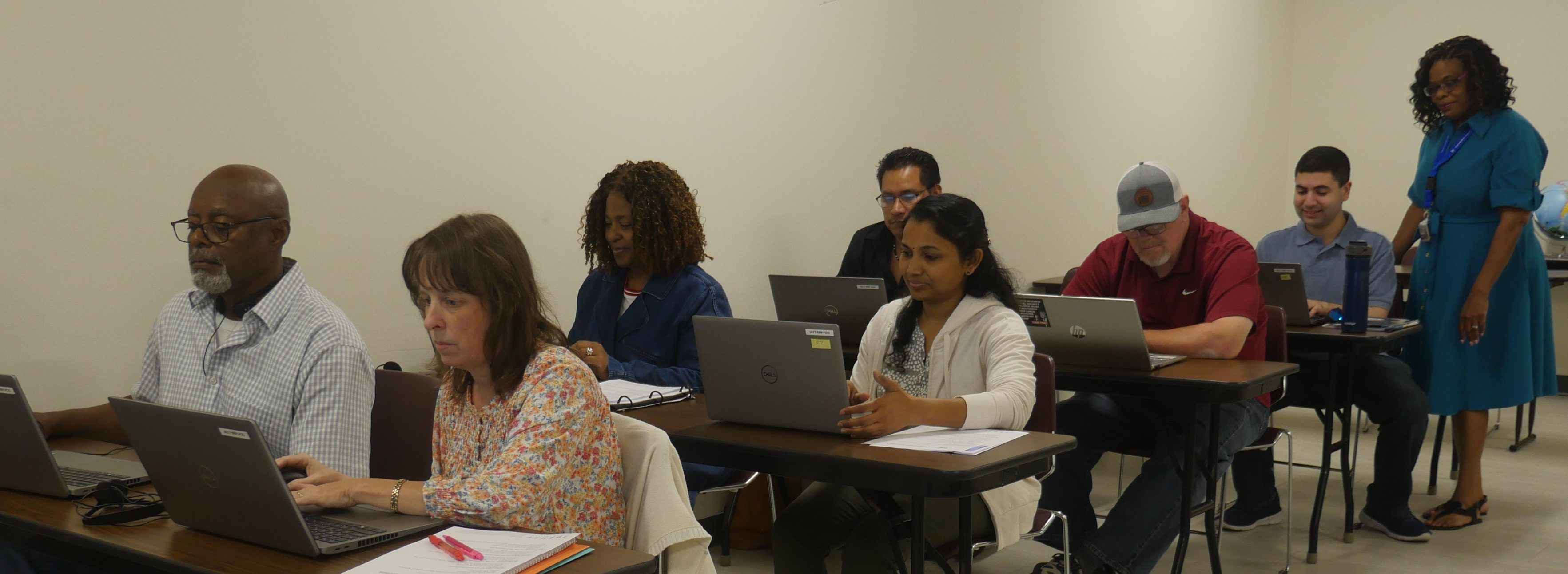
Whether you’re a beginner or looking to brush up on your tech skills, our Digital Literacy courses break down the basics of navigating a computer. With hands-on training, you’ll feel more comfortable and capable in today’s digital world.
Our Basic Computer Skills Class is designed to give you the foundational skills you need to confidently use a computer. Learn computer, internet, and email basics, and how to use them all safely.
Our Computer Applications Class covers essential computer programs that are used in everyday work and personal tasks. You’ll learn how to use popular software such as Microsoft Word, Excel, and PowerPoint. By the end of the course, you’ll have the knowledge to create documents and manage spreadsheets.
If you successfully complete the Computer Applications Class, you will receive a $250 voucher that you can use to continue your education at South Piedmont.
South Piedmont offers these courses for free, making digital literacy accessible to everyone. Whether you’re looking to improve your job prospects, support your education, or simply become more tech-savvy, these courses are a valuable resource for people of all backgrounds.
The Program Options
Mode
In-person
Prerequisites
None
Mode
In-person
Prerequisites
None
Basic Computer Skills Classes
| Dates | Time | Location | Language |
|---|---|---|---|
| Oct 26 – Nov 5, Mon-Thur | 8:30am – 12:00pm | OCH Campus, Monroe | English |
Computer Application Classes
| Dates | Time | Location | Language |
|---|---|---|---|
| Aug. 18 – Dec. 10, Tue/Wed/Thur | 12:30 p.m. – 2:30 p.m. | OCH Campus, Monroe | English |
| Aug. 18 – Dec. 10, Tue/Thur | 5:15 p.m. – 8:15 p.m. | Lockhart-Taylor Center, Wadesboro | English |
| Aug. 18 – Dec. 10, Tue/Thur | 5:30 p.m. – 8:30 p.m. | OCH Campus, Monroe | English |
| Aug. 18 – Dec. 10, Tue/Thur | 5:30 p.m. – 8:30 p.m. | OCH Campus, Monroe | Spanish |
| Sept. 24 – Dec. 10, Tue/Thur/Fri | 9:00 a.m. – 12 p.m. | OCH Campus, Monroe | English |
Upcoming Workshops
| Title | Dates | Time | Location | Language |
|---|---|---|---|---|
| Basic Computer Skills Workshops | July 28 | 9:30 am – 12:30 pm | OCH, Building A, Room 1219 | English |
| Basic Computer Skills Workshops | July 29 | 3:30pm – 6:30pm | LTC campus in Wadesboro, Room 211 | English |
Various workshops on different Digital Literacy subjects are offered throughout the year.
Additionally, you can tell us what computer-related topics you would like to learn in a workshop.
Digital Literacy FAQ
Anyone who needs to build foundational skills in commonly used computer programs, including Excel, Google Docs, Microsoft Word, and PowerPoint. These classes are also great for anyone who is curious about computers in general and wants to learn more about how to use them in their everyday lives.
By the end of the class, you’ll be able to use Excel, Google Docs, Microsoft Word, and PowerPoint both on the job and in your personal life.
No! We will provide computers to you to use during the class. If you have your own computer, you are welcome to bring it.
They are free. If you successfully complete the Computer Applications class, you will receive a $250 voucher that you can use to continue your education at South Piedmont.
Putting the Digital World Within Reach
When students study in South Piedmont’s Digital Literacy classes, they learn more than how to operate a computer and navigate commonly used computer applications.
They learn about professional opportunities and their own potential. The result? Our digital literacy students have both the knowledge and the confidence to do things they never thought possible.
Our alumni are taking their digital skills into the world, achieving professional goals they once thought were out of reach — and redefining what is possible for their lives.
From Digital Literacy Student to Instructor
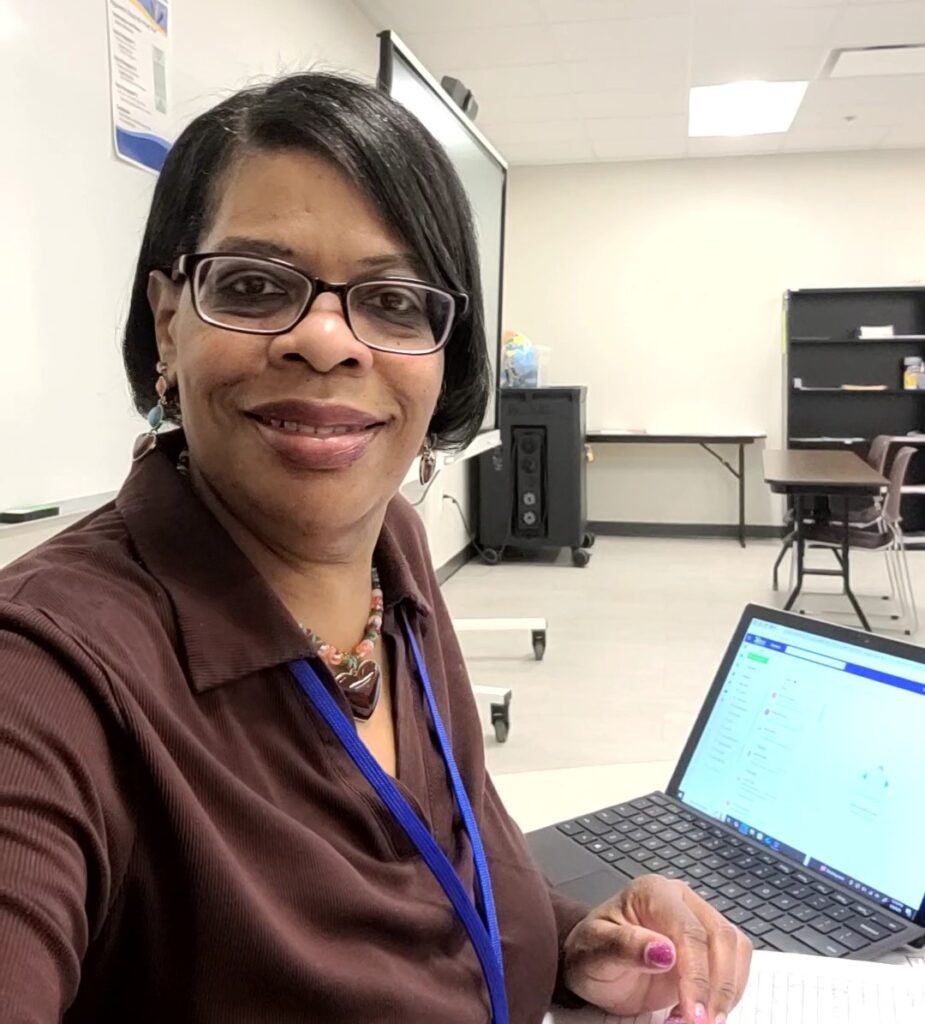
I enrolled in the free Digital Literacy class to improve my skills in creating basic PowerPoint presentations and using Excel in my daily life. I now teach the Digital Literacy class, and I absolutely love it! My goal is to make a meaningful impact on my students’ lives and help them achieve their personal and professional goals.
Wukari Hathaway, Instructor at South Piedmont